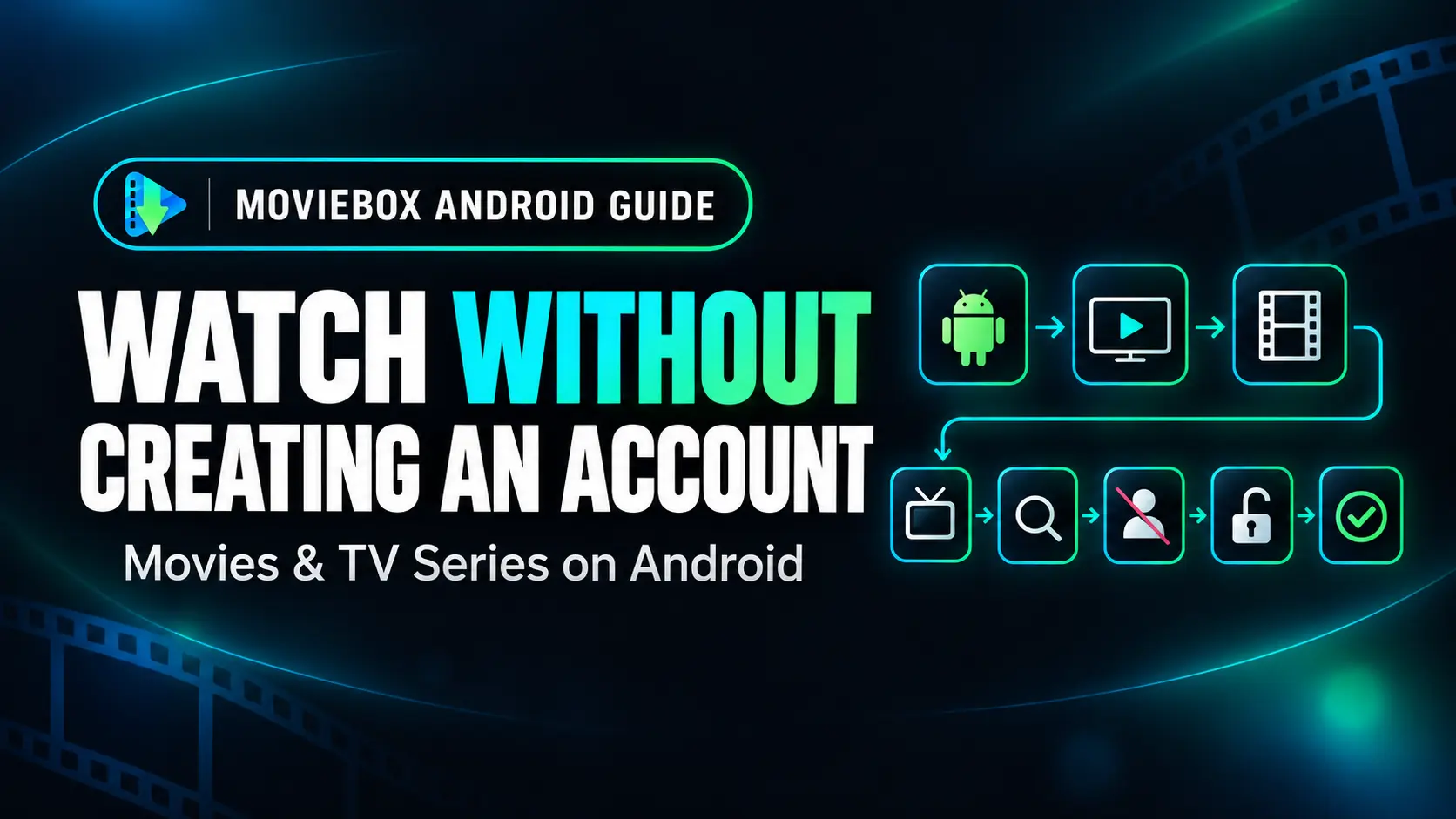
Watch Movies on Android Without Creating an Account
Learn what account-free access means, what to check before installing an app and how MovieBox works without registration.
What Does “No Account Required” Mean?
An account-free app does not require you to create a personal profile before using its main functions. With MovieBox, there is no registration form, username, password or sign-in screen to complete before you begin browsing.
You do not need to submit your name, email address or phone number to create a MovieBox account because the app does not offer an account-creation option. After installation, you can open the app directly and explore the content currently available.
Why Do Some Viewers Prefer Account-Free Apps?
- Faster setup: there is no registration or email-verification process.
- No password to remember: users do not need to create another login credential.
- Less personal information requested: no profile details are needed to create an app account.
- Immediate browsing: the app can be explored after installation without signing in.
- Simpler use: there is no account-management screen or logout process.
These advantages are mainly about convenience. They do not remove the need to review an app’s source, permissions and privacy information before using it.
Download the App from Its Website
Visit the MovieBox App page using your Android browser and select the APK download option. Wait until the file finishes downloading before opening it.
Use the website link you intended to visit rather than downloading an APK from an unfamiliar page. Android apps obtained outside an app store should be checked carefully before installation.
Review Android’s Installation Prompt
Android may ask whether your browser or file manager can install apps from that source. This is an Android security control for APK files downloaded outside an app store.
Read the prompt, confirm that you opened the file you intended to download and grant permission only to the browser or file manager being used. You can disable that installation permission again after setup.
Open MovieBox Without Signing In
After Android completes the installation, select Open or find MovieBox in your app list. There is no MovieBox registration step to finish. You can browse available sections, search for a particular title and open the information displayed for a selected movie or series.
For a complete walkthrough, follow our MovieBox download, installation and usage guide.
What You Do Not Need to Provide
MovieBox does not ask users to create an account using personal details. To use the app, you do not need to create a profile with:
- Your full name
- An email address
- A mobile phone number
- A username or password
- An account profile photograph
Because there is no user-account system, there is also no MovieBox password-reset or email-verification process.
Account-Free Does Not Mean Ignoring Privacy
Not creating an account is different from saying that no technical information can ever be processed. Websites, hosting systems and third-party services may process limited technical information needed to deliver pages, protect services or measure website use.
Review the MovieBox Privacy Policy for the website’s current practices. Also check your Android settings and any permission request shown by the app. Only grant access that you understand and that is relevant to a feature you intend to use.
What Are the Limitations of Using No Account?
Account-free access is convenient, but it also means there is no online MovieBox profile tied to your email address. Features that normally depend on a synced account such as carrying a personal profile between different devices should not be assumed.
Any preferences stored only on the device may be affected if you clear the app’s storage or uninstall it. Android’s exact behavior can vary by version, device manufacturer and app update.
How to Choose an Account-Free Android App
Before installing any APK, consider more than whether registration is required:
- Confirm the website and download source.
- Review the permissions requested during use.
- Check whether the app supports your Android version.
- Read the privacy policy and disclaimer.
- Keep the app updated using the same trusted source.
- Stop if Android or a security service displays a serious warning you do not understand.
No-account access makes setup quicker, but it should still be combined with normal Android security precautions.
Frequently Asked Questions
Do I need an email address to use MovieBox?
No. MovieBox does not provide an account-registration option, so an email address is not required to create or access a MovieBox account.
Does MovieBox require a username or password?
No. You can open and browse MovieBox without creating a username or password.
Can I use MovieBox immediately after installation?
After Android completes the installation, you can open the app directly. There is no registration or email-verification stage.
Does no account mean no information is processed?
Not necessarily. Account-free access means no personal profile is required. Websites and technical services may still process limited technical information, as explained in their privacy policies.
Will my MovieBox settings follow me to another device?
Do not assume device-to-device syncing because MovieBox does not use a user-account profile. Settings stored locally may remain only on the device where they were created.
Download MovieBox Without Registration
Download the Android APK directly and browse available movies and TV series without creating a MovieBox account.
Download MovieBox APK